Editing an existing Port Filter
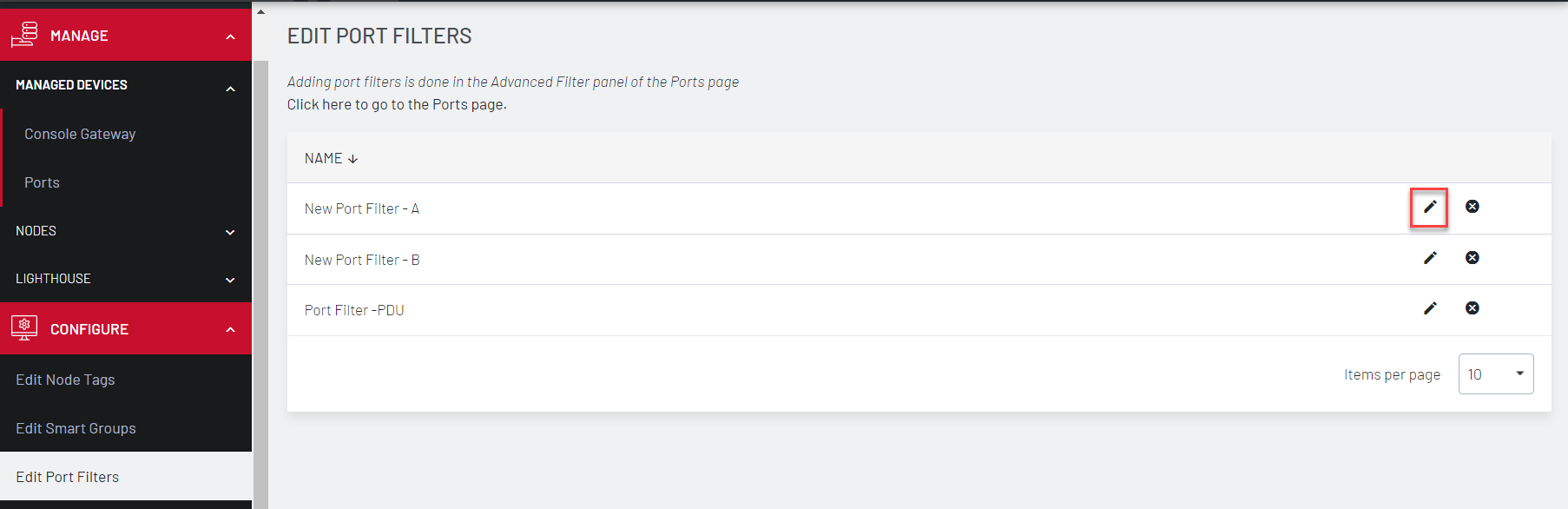
To edit an existing Port Filter, select CONFIGURE > Edit Port Filters page.
-
Click the Delete button to delete an existing Port Filter.
-
Click the Edit button to change a Port Filter’s name.
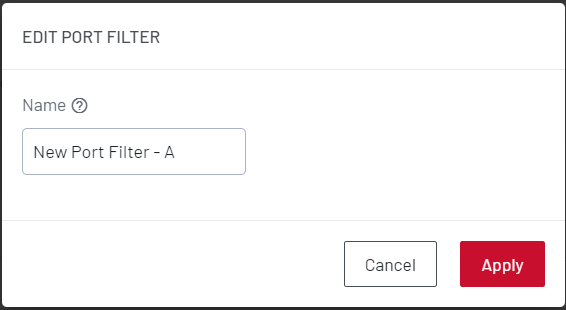
To change the search parameters for a Port Filter:
-
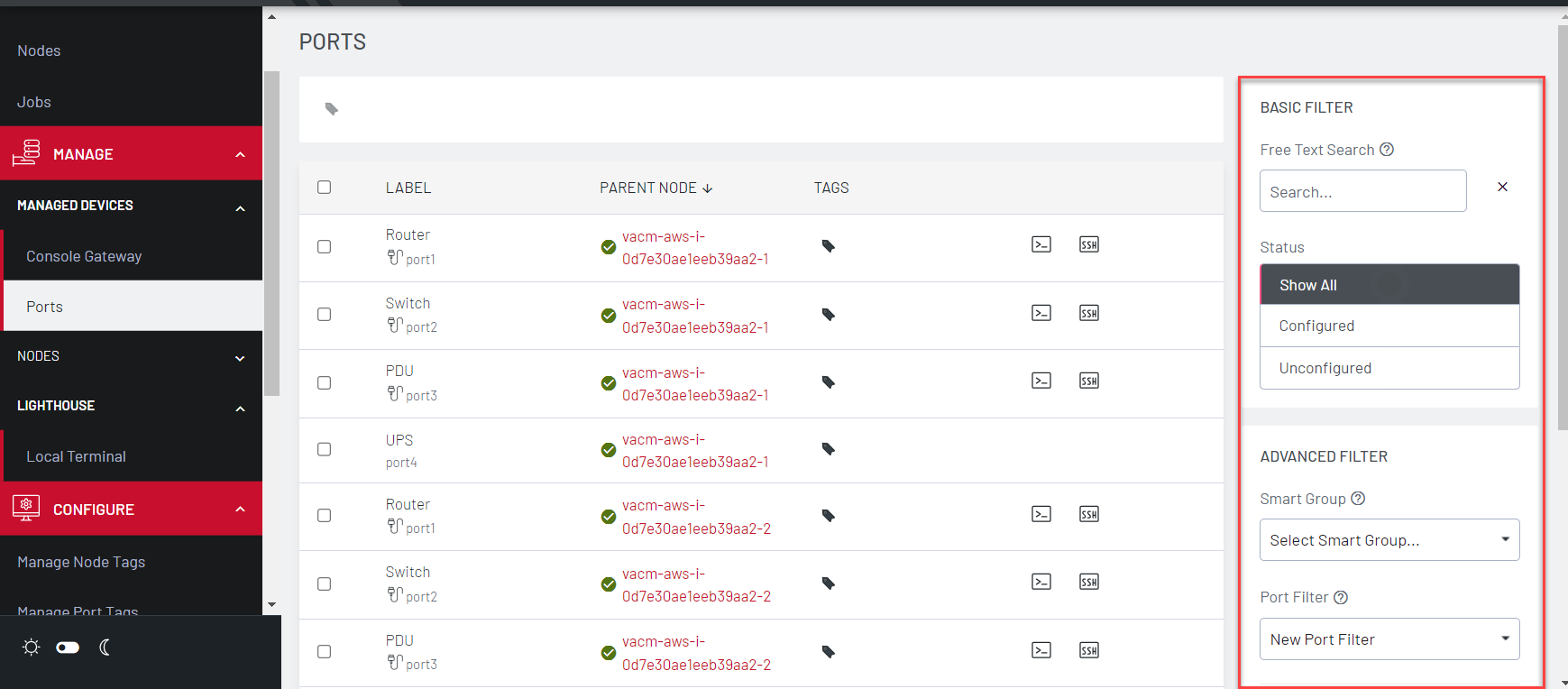
Navigate to a page that displays the Port Filters, such as MANAGE > MANAGED DEVICES > Ports.
-
Select the required Port Filter from the Port Filter list.
-
Change the parameters (for example, Operator values) as required.
-
Do not change the name of the Port Filter.
-
Click Save as.
-
Click Apply. The modified Port Filter overwrites the existing Port Filter.
Note:Do not change the name of the Port Filter.