Modifying existing Smart Management Fabric (SMF) templates
To modify an existing Smart Management Fabric (SMF) template:
-
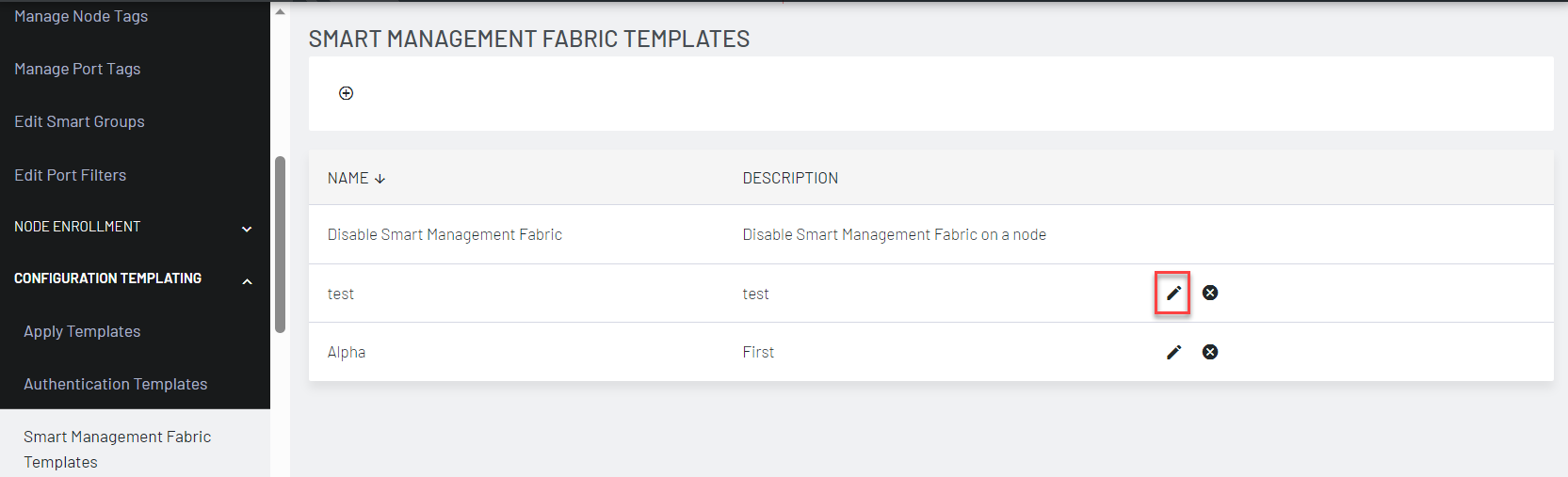
Select CONFIGURE > CONFIGURATION TEMPLATING > Smart Management Fabric Templates. The list of existing templates displays.
-
Click the Edit icon next to the template to be modified.
-
The Edit Smart Management Fabric (SMF) Template dialog displays.
-
Make the required changes.
-
Click Save Template.
Note: You cannot edit or delete the Disable Smart Management Fabric template.