Monitor Jobs
You can keep track of jobs in Lighthouse which are scheduled, running, or have run.
-
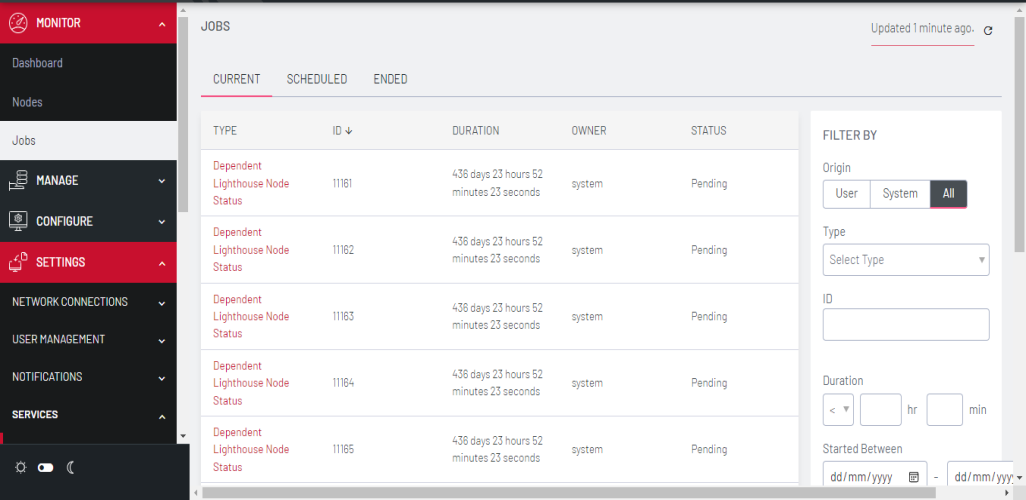
Go to MONITOR > Jobs.
-
At the top of the page, select the type of jobs you wish to see - CURRENT, SCHEDULED, or ENDED
-
You can also use the FILTER BY fields to further refine your results by Origin, Type, ID, Job duration, Dates the job began, and Owner.