Lighthouse User Interface Sections
The user interface consists of the following main sections:
| Section | Description | |
|---|---|---|
| Header pane | Provides access to the help menu and information for the Lighthouse instance as well as a shortcut to enroll a node | 
|
| Settings panel | Location for the Lighthouse settings including: users and account management menu, settings menu and user options. | 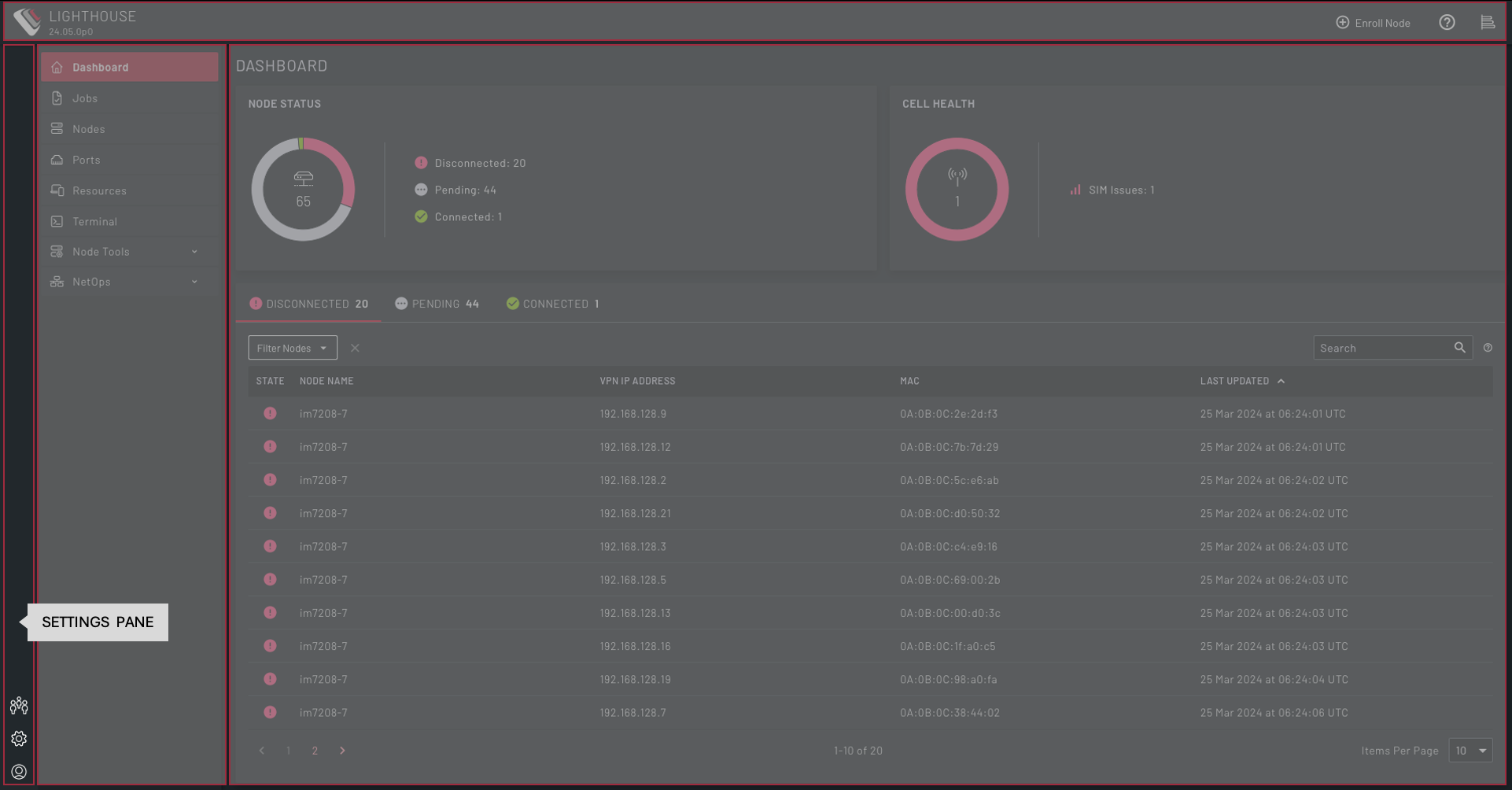
|
| Menu pane | Access to the key dashboards for managing nodes, ports, connected resources, jobs along with tools for configuring nodes, access to a local web-based terminal and NetOps management. | 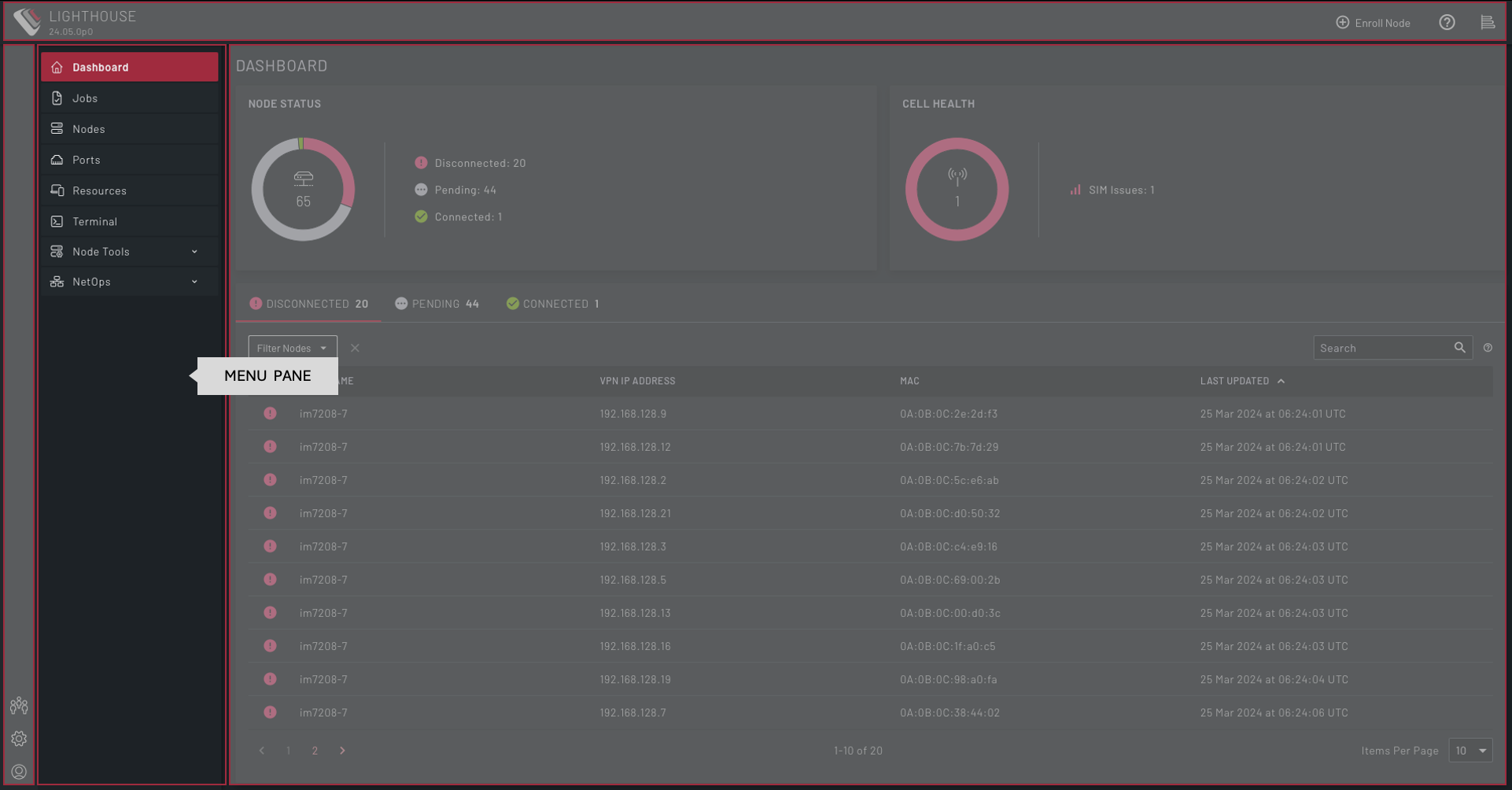
|
| Main pane | This is the main information pane and displays the Lighthouse pages. | 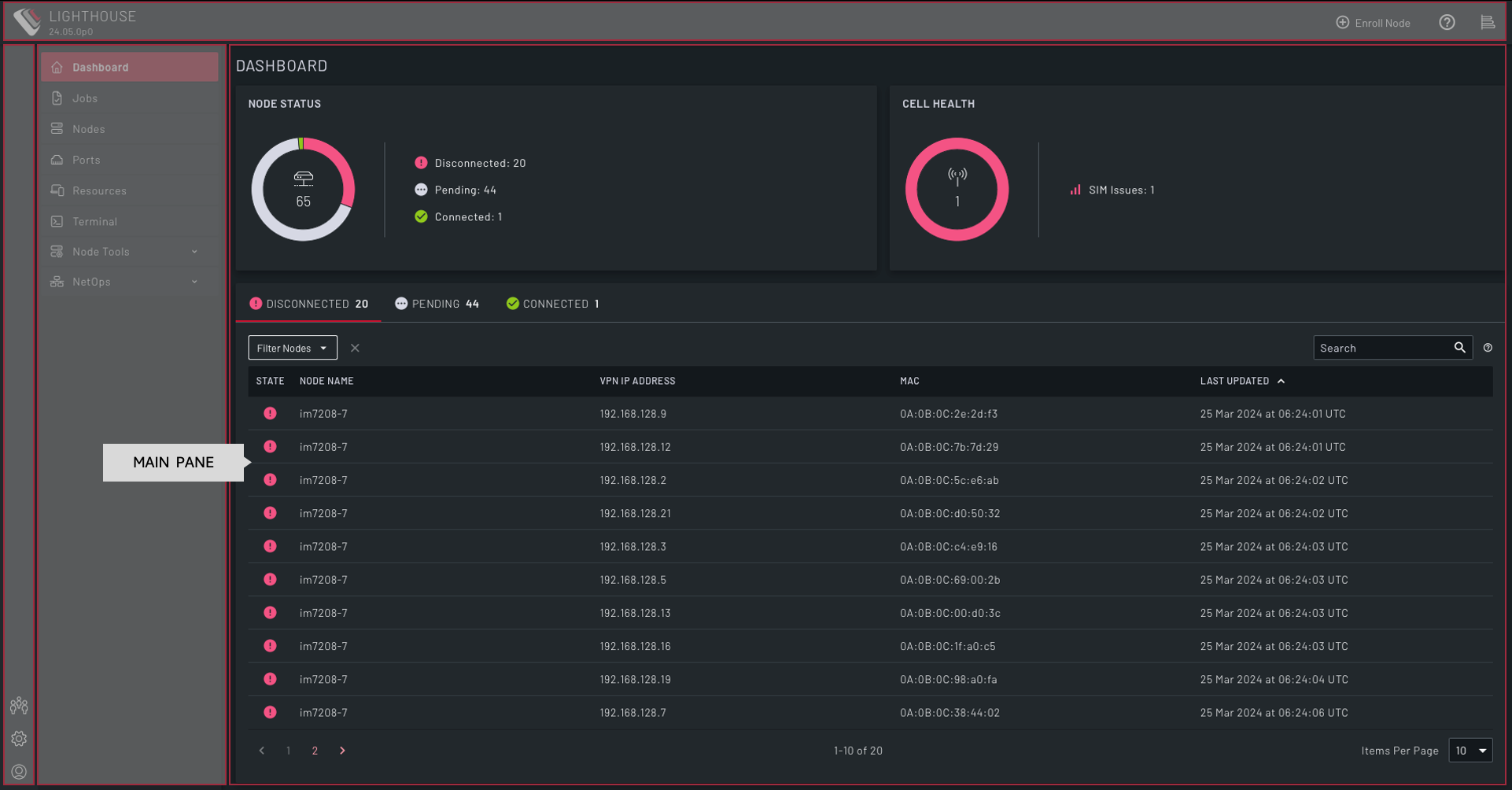
|