Check Revocation Status
You can run this check this to verify whether any certificates issued by the external CA have been revoked.
-
In the Settings Pane, select
 > SECURITY > External Certificate Authority.
The EXTERNAL CERTIFICATE AUTHORITY page displays.Note: If there is no external CA configured, a warning displays and you cannot run this check.
-
Under the Current Certificate Authority, click Actions > Check Revocation Status.
The CHECK REVOCATION STATUS dialog displays.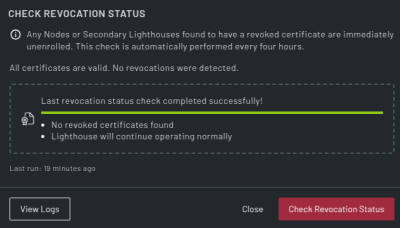
-
Click Check Revocation Status.
When complete, the dialog displays that the check is complete and provides a result of the check. -
Click Done to finish or View Logs to view the external CA logs.